
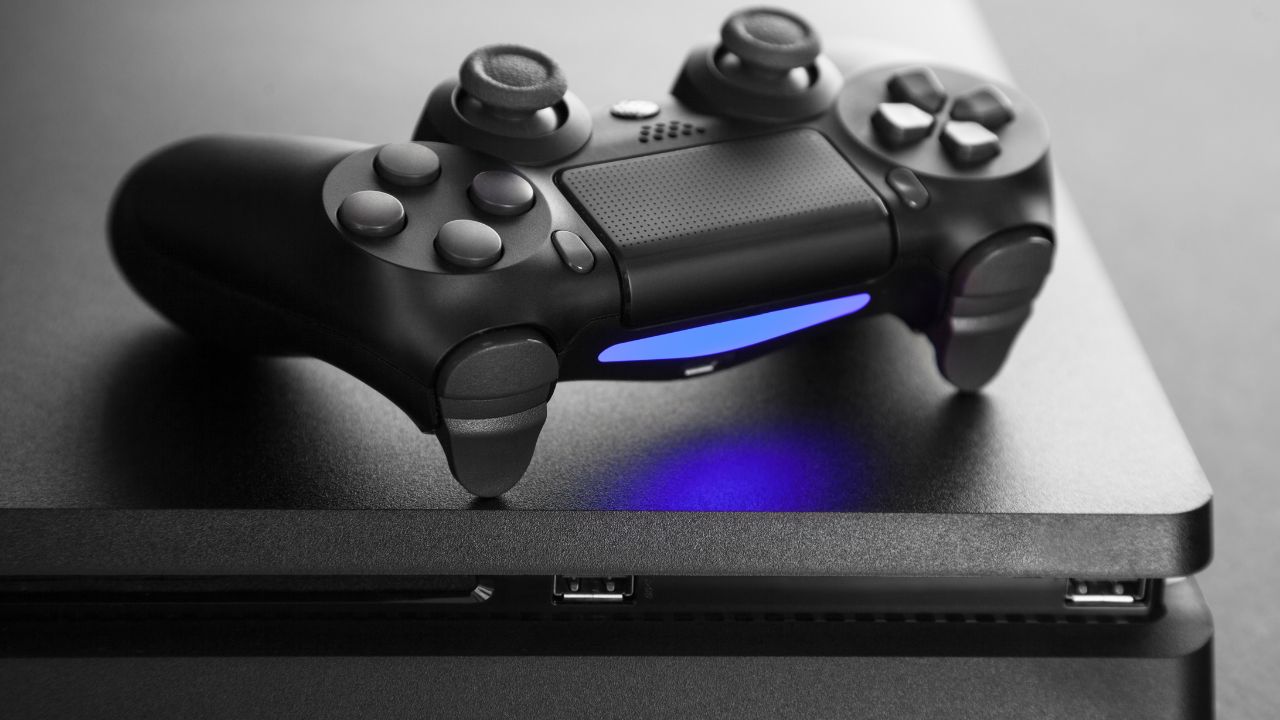
Gaming consoles are a huge part of our entertainment lives, but they’re not immune to issues. In this guide, we’ll break down the most common issues with game consoles—including problems like overheating, HDMI port damage, power supply faults, and controller drift.
You’ll also learn some real, practical fixes for PS5 overheating, Xbox power issues, and Nintendo Switch repairs. We’ll share useful prevention tips like cleaning dust buildup, using a surge protector, and how to handle controllers with care.
We’ll also explain why choosing a professional repair service like iRepair Mobiles Southend makes a real difference when it comes to fast, reliable, and cost-effective console repairs. If your console has been acting up lately, this guide will help you understand the problem—and how to get it fixed quickly.
Table of Contents
Understanding Common Issues with Game Consoles
Over the years, working with hundreds of game consoles, I’ve noticed that most faults fall under a few predictable categories. Here’s a breakdown of what typically goes wrong:
1. Overheating and Ventilation Issues
If your console shuts down after 15–20 minutes or makes loud fan noises, it’s likely overheating. This happens when dust buildup blocks the air vents, reducing proper ventilation. It’s very common in PS5s, especially if the room lacks airflow.
One quick tip from experience—don’t leave your console on the carpet or cramped into a closed cabinet. Consoles need space to breathe.
| Console | Common Overheating Signs | Recommended Action |
|---|---|---|
| PS5 | Loud fan, auto shutdown | Clean vents, elevate console |
| Xbox | Warm to touch, lag during play | Use external fan, avoid blockage |
| Switch | Battery hot, sudden lag | Turn off, let it cool down |
Fix PS5 overheating by regularly cleaning the fan and vents with compressed air and checking for firmware updates.
2. HDMI Port and Display Problems
A damaged HDMI port can lead to no signal, poor display, or a completely black screen. I’ve had multiple customers walk in thinking their console was dead, but it was just a faulty port.
Common signs:
- Wiggle the cable and the screen flickers
- You get sound but no image
- Port feels loose
This issue requires replacing the HDMI port or resoldering it—something best handled by a professional repair technician.
3. Power Supply Issues
If your Xbox won’t turn on, or your Nintendo Switch isn’t charging, it might be a power supply issue. Faulty internal components or external cables can be the culprit.
- Try plugging into a different outlet
- Check the surge protector (yes, you should use one)
- Replace any frayed cables
In shop repairs, we usually test with a universal power supply to rule out external faults first before opening the unit.
Fixing Xbox power issues usually involves replacing a faulty power brick or addressing motherboard problems.
4. Disc Drive Malfunctions
This one hits especially hard with older PS4 and Xbox One models. If your console won’t read discs or makes grinding noises, the disc drive might have a mechanical failure or the laser may be dirty or dead.
How to know:
- Disc gets stuck
- Games fail to load
- Loud clicking sounds
These issues require internal cleaning or replacement of the drive unit. Definitely not a DIY job unless you’re okay with opening up the device completely.
5. Controller Drift and Connectivity Problems
The infamous controller drift. Whether it’s Joy-Cons on a Switch or DualSense controllers on a PS5, users often experience stick drift, where characters move on their own.
Common causes:
- Dust under the thumbsticks
- Too much pressure over time
- Wear and tear of internal contacts
Here’s a quick comparison:
| Controller Type | Drift Issue Common? | DIY Friendly Fix |
|---|---|---|
| Joy-Cons (Switch) | Very common | Moderate: Replace stick module |
| DualSense (PS5) | Common | Low: Needs full teardown |
| Xbox Controllers | Less common | Easy: Clean contacts |
We always advise bringing controllers in for repair instead of replacing the whole thing. It’s much more cost-effective.
How to Prevent Console Issues
As someone who’s repaired hundreds of consoles, let me tell you—prevention saves money. Here are some of the best ways to protect your device:
- Clean your console regularly to avoid dust buildup
- Keep it in a well-ventilated area for proper airflow
- Use a surge protector to guard against power fluctuations
- Don’t press too hard on thumbsticks and buttons
- Store your controllers carefully to avoid damage
These small actions make a big difference over time in performance and longevity.
Why Choose iRepair Mobiles Southend for Console Repairs?
At iRepair Mobiles Southend, we have a team of expert technicians who are trained in diagnosing and fixing a wide range of console issues. Our services are:
- Fast and reliable
- Completed with quality parts and components
- Priced affordably for long-lasting results
- Delivered with a quick turnaround
We know how much your gaming experience matters to you, and we make sure your console gets back to you in top shape.
Get Your Console Repaired Today
If you’re tired of dealing with lag, controller drift, or power problems, don’t wait. A minor issue today can become a major one tomorrow. Let the professionals at iRepair Mobiles Southend help you fix your gaming console issues quickly and affordably.
📞 Call us today or 📍 visit our shop in Southend to book your repair now.